A writing studio for the whole book.

Manuscript, characters, research, and revisions together. Works offline. No account. Every feature is free.

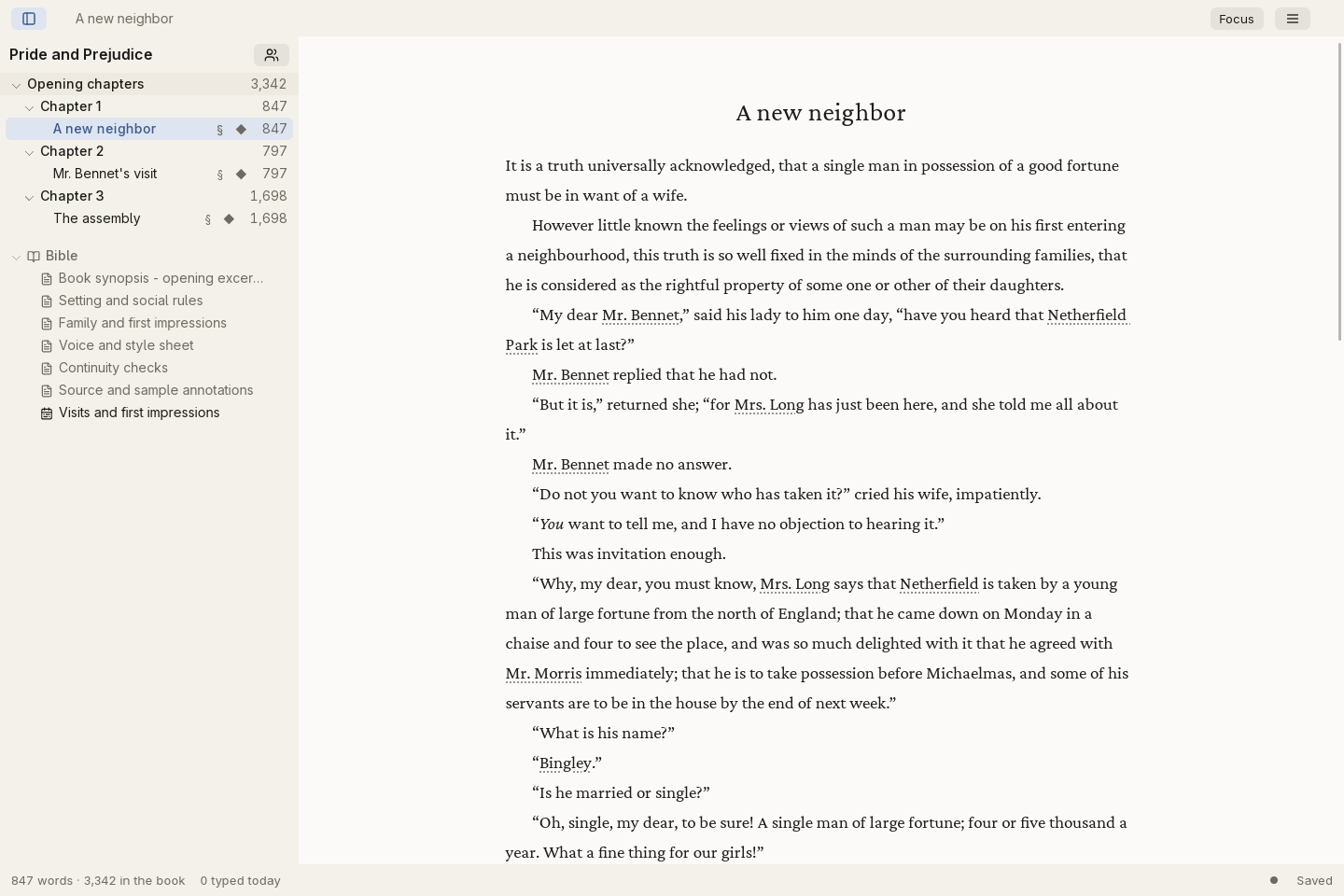
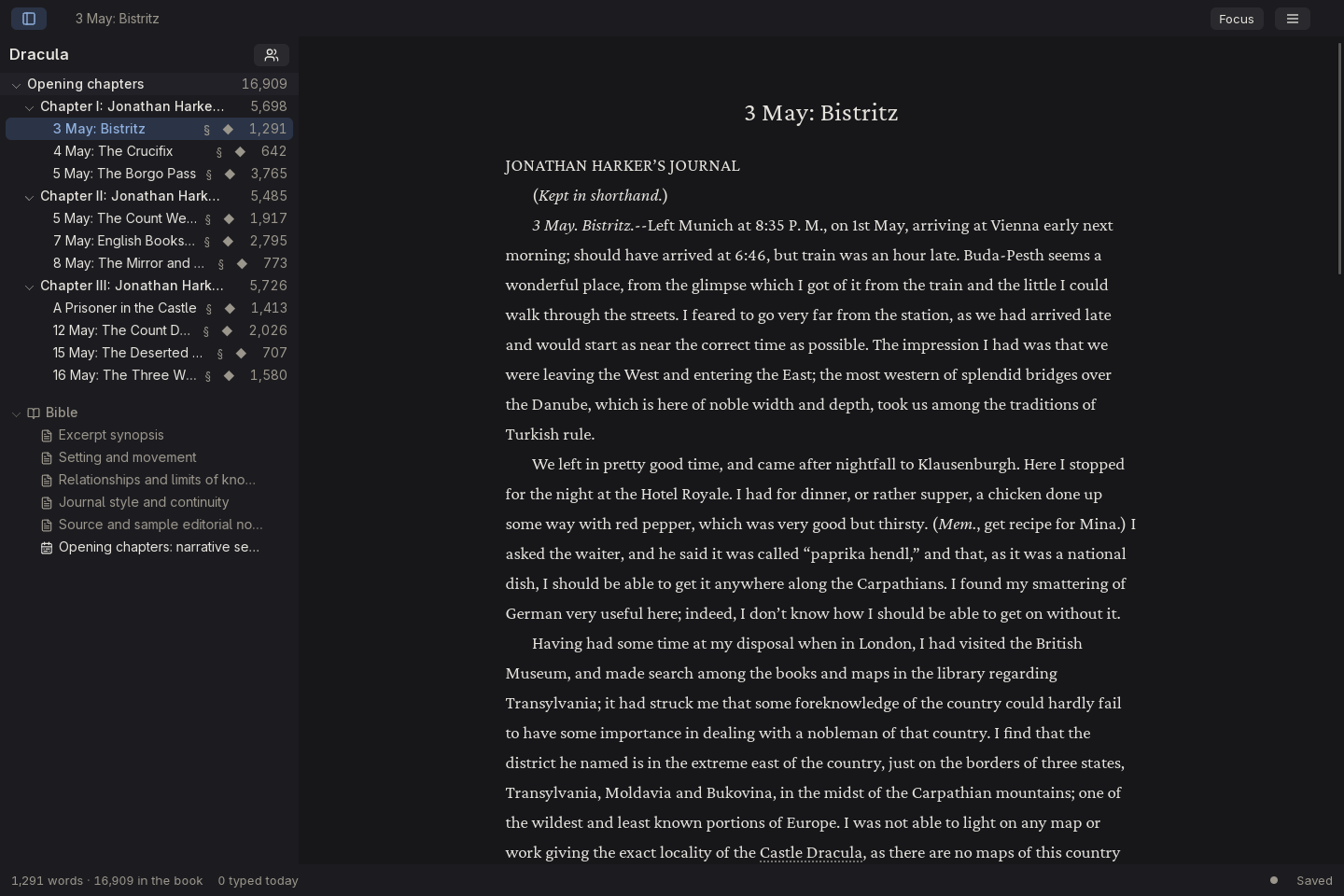
garret editor with a Pride and Prejudice manuscript, chapter navigation, and writing toolsgarret editor in dark mode with a Dracula manuscript and chapter navigation
Your manuscript, with the rest of your book within reach.

Less between you and the book.

Room to write

A focused editor, scenes and chapters, and your words saved on your own disk.

The whole story, together

Characters, research, and plans stay close to the manuscript, without a pile of separate files.

A path to the finished book

Revise with your editor, shape the book, and export it when you are ready.
More tools, when you need them.

Browse the studio at your own pace.
Make room for the words.

Focus on a scene
Work in parts, chapters, and scenes. Focus mode fades the surrounding tools while you write.
Format as you write
Keep formatting controls beside your selection, with undo and redo when a sentence needs another pass.
Search the whole book
Find a name or phrase across the manuscript and jump back to the passage.
Write your way
Choose light or dark mode, English or German, and adjust writing and navigation preferences.
garret editor with a Pride and Prejudice manuscript, chapter navigation, and writing tools
Your manuscript, with the rest of your book within reach.

Keep the story straight.

Know your cast
Keep character profiles, aliases, pictures, and descriptions beside the manuscript.
Keep a story bible
Give your world, continuity rules, and background notes a home inside the book.
Summarize each scene
Write scene synopses and read them alongside the manuscript or in the outline.
Keep research close
Connect research files to the book so source material stays within reach while you write.
See the shape of the story
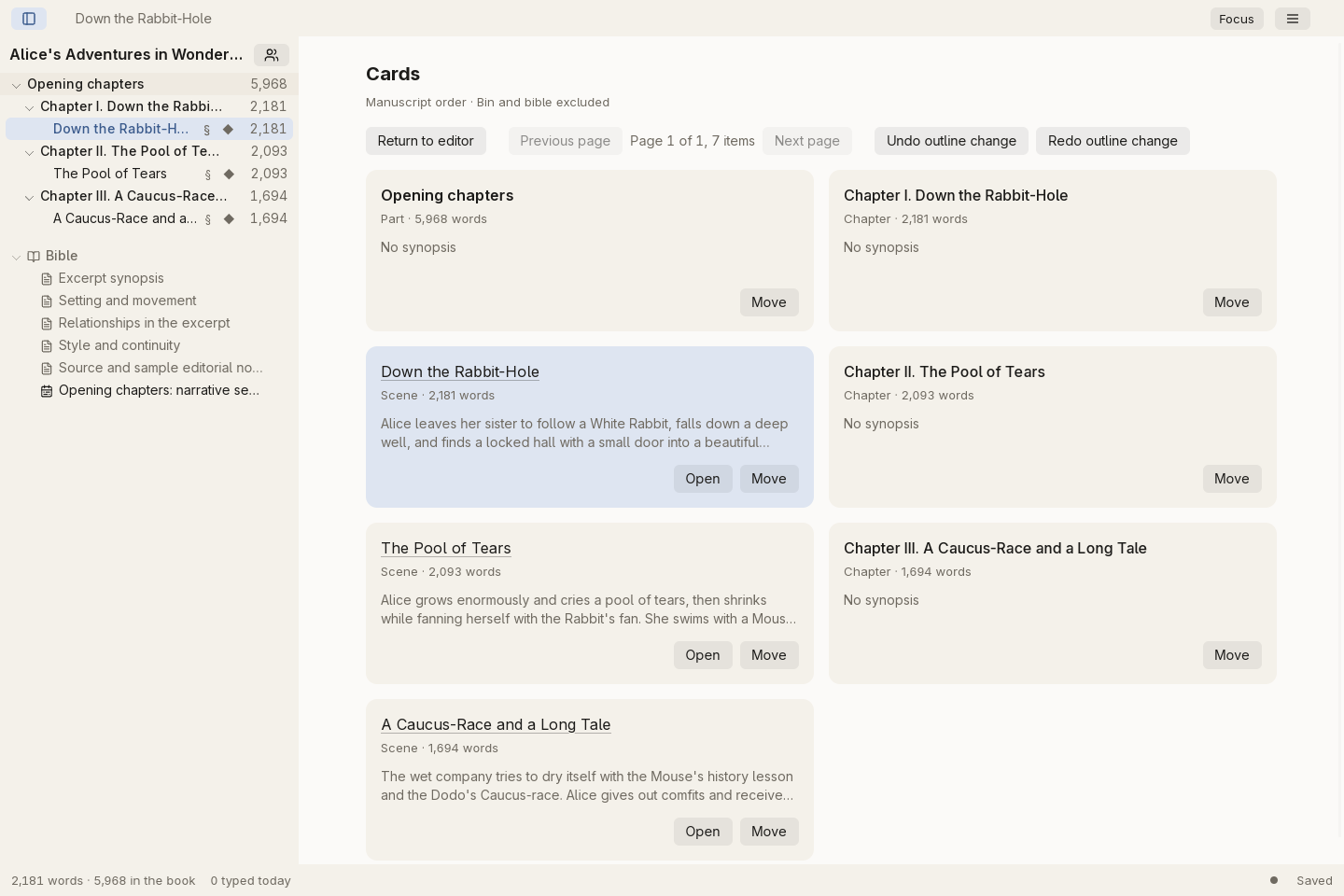
Arrange chapters and scenes in an outline table or cards, with their summaries in view.
Follow characters across scenes
Use appearances to see where each character enters the story, alongside linked timeline events.
garret outline cards showing chapters, scenes, and summaries
Read the structure at a glance in outline cards.

Bring the next draft into focus.

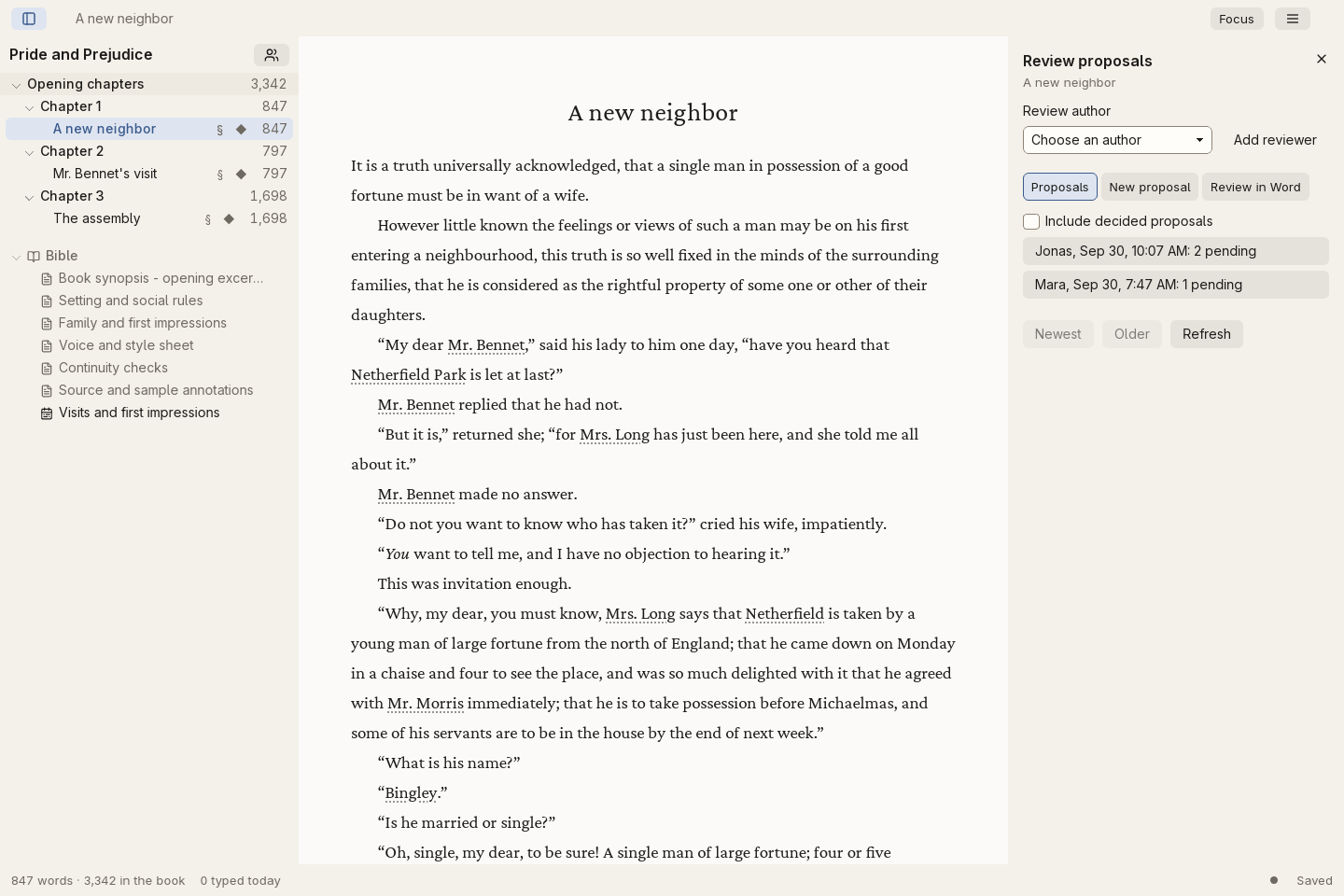
Exchange DOCX reviews
Send a review document to your editor and import the returned proposals with attribution.
Keep comments in context
Attach editorial conversations to the text and resolve them as the draft moves forward.
Compare earlier versions
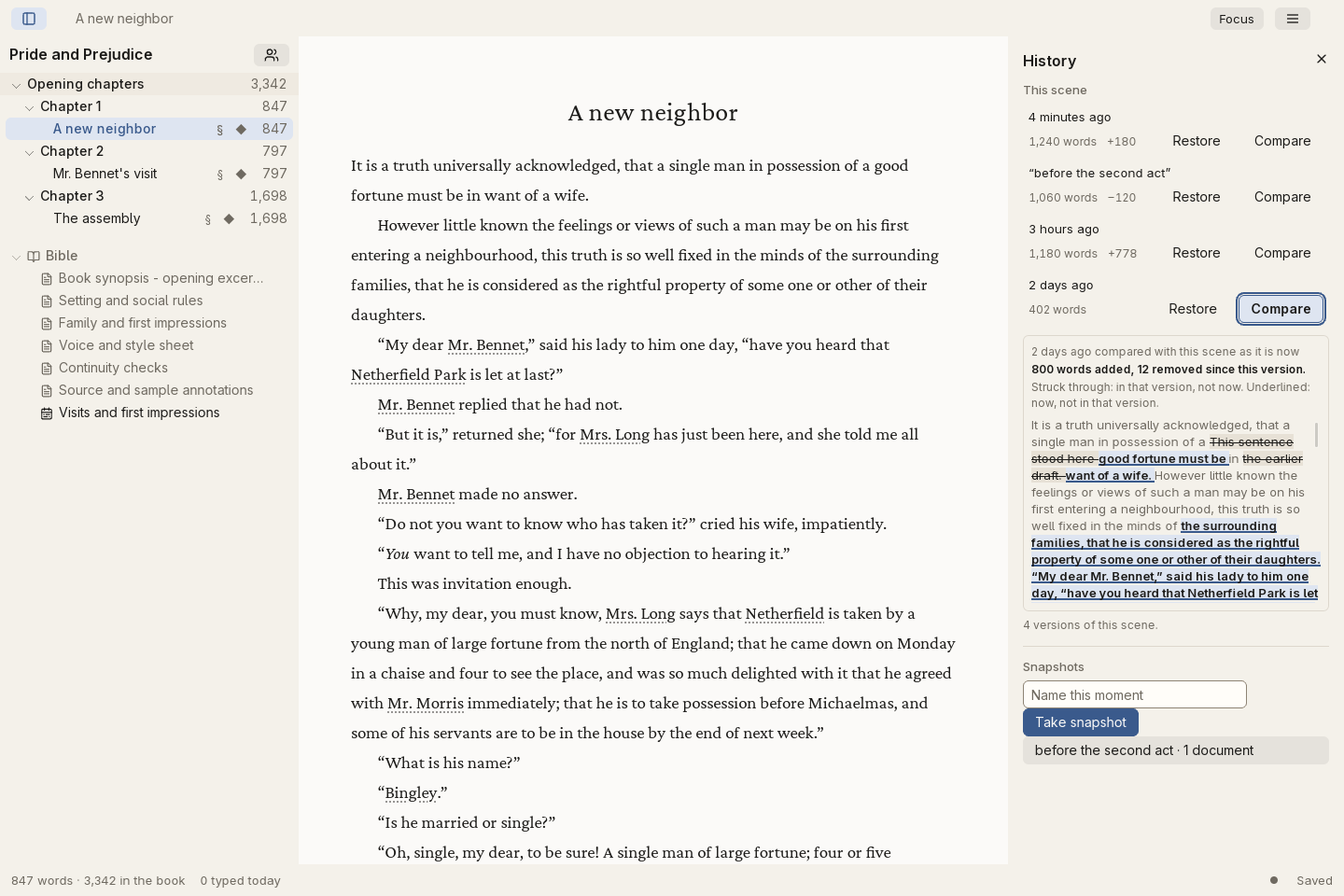
Review scene history, compare previous text, and keep named snapshots of a draft.
Plan the next pass
Group revision work into passes and tasks instead of keeping a separate list beside the book.
Attributed editorial proposals beside the manuscript in garret
Editorial changes, with their author and context.

From manuscript to book.

Choose a useful format
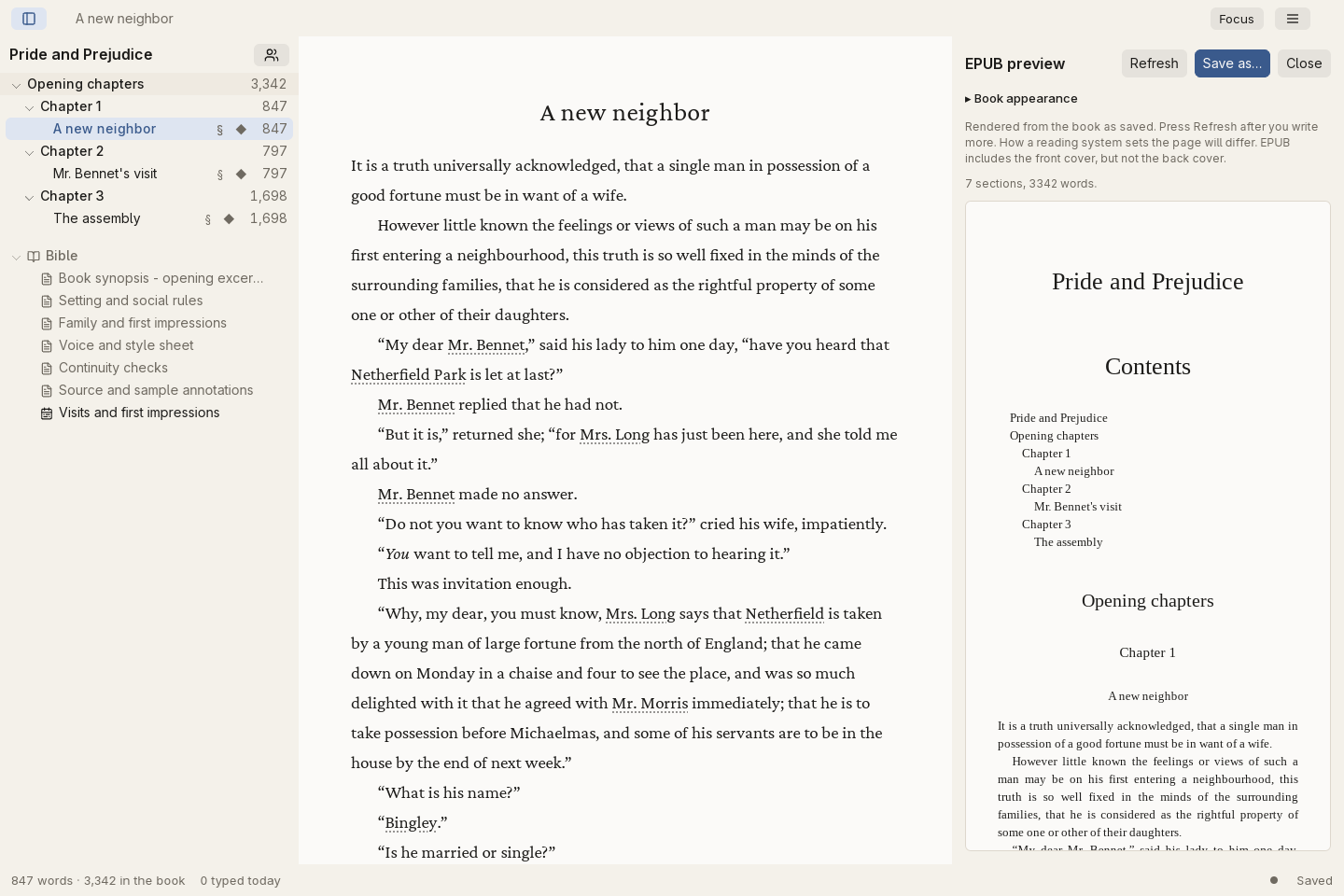
Export Markdown, DOCX, or EPUB for the next stage of your book.
Prepare the complete book
Set up book design, front and back matter, and covers before export.
Write under a pen name
Keep writing identities and publication details ready for the book you are preparing.
Check a proof copy
On Linux, preview the book layout and export a PDF proof before publishing.
Book design and EPUB export controls in garret
Prepare an EPUB without leaving your writing studio.

Your book stays yours.

Make portable encrypted archives
Create a manual archive, verify it with your recovery key, and restore it as a separate book.
Keep a readable mirror
Use a readable folder alongside your book. It is useful for access to the text, but is not a complete backup.
Recover what you can
Local recovery copies, scene history, and salvage tools provide different ways back to your work.
Work across a series
Organize books into a series while keeping each manuscript on your own disk.
Understand your writing
See book statistics, optional session analytics, and local craft and consistency reports.
Conceal the desktop app
The optional PIN lock hides the application when you step away. It does not encrypt manuscript files; Windows does not offer this lock.
garret scene history comparing an earlier manuscript version with the current text
Earlier words remain available in scene history.

Swipe, use the arrows, or choose a chapter.
Your book stays yours.

Books live on your disk. Write without an internet connection or an account. All features are free, and the source is open.

Keep working books outside cloud-synced folders. Make encrypted archives manually, keep the recovery key separately, and verify your saved archive.

Keep a safe copy

A smaller studio for your phone.

Android has a library and scene editor for writing on the go. It has fewer features than desktop garret, and books do not sync automatically.

Get garret
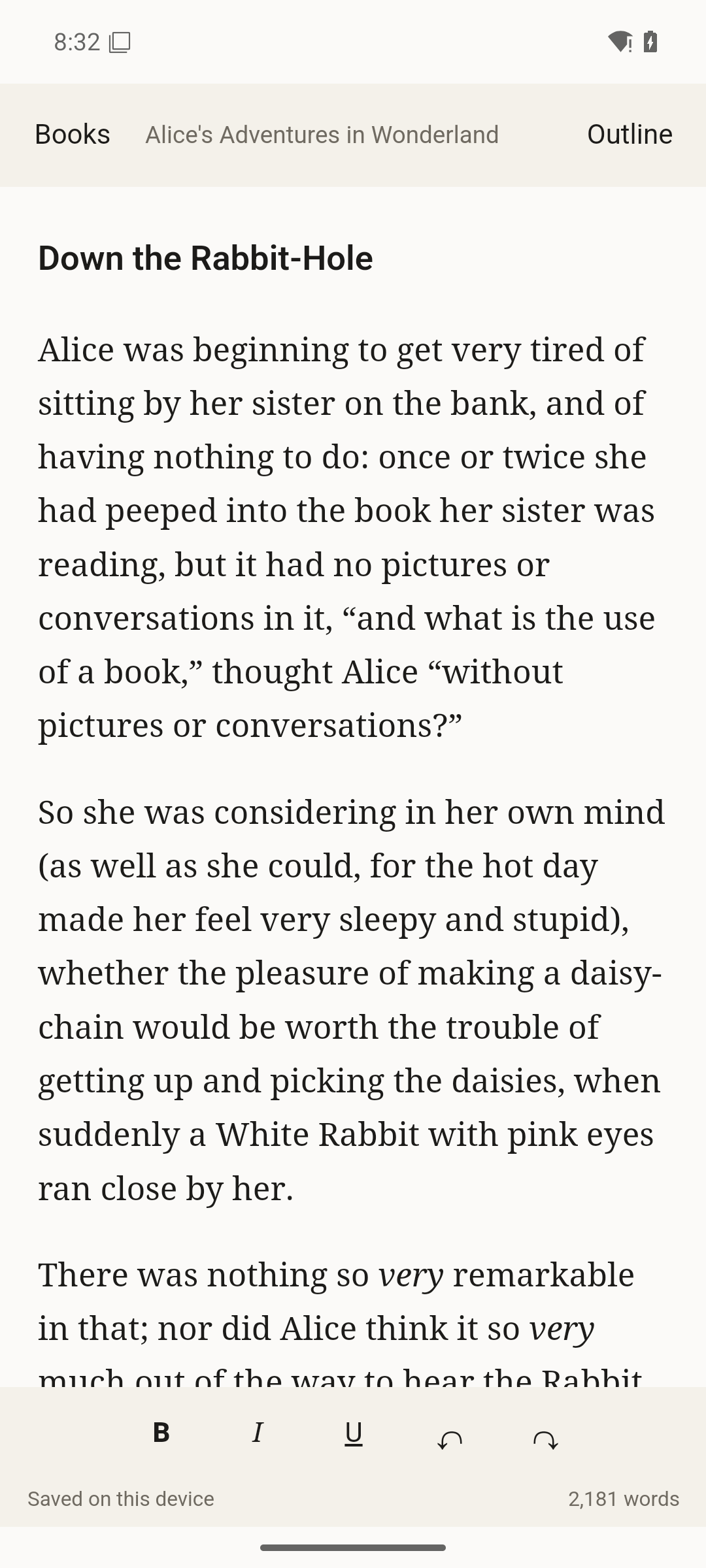
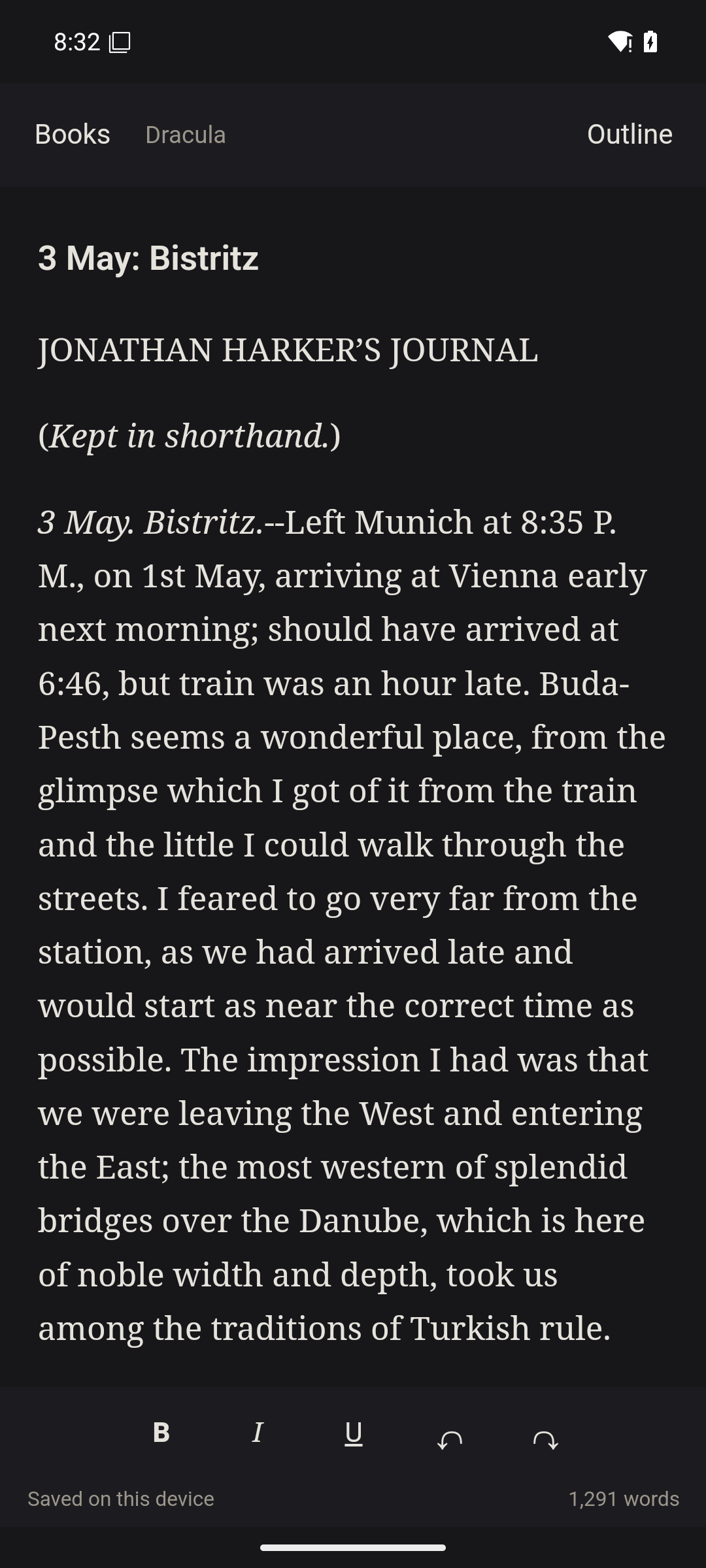
Android garret scene editor showing a Pride and Prejudice manuscriptAndroid garret scene editor showing a Pride and Prejudice manuscript
The Android scene editor.

"It's definitely a great tool for beginning writers, but a welcome tool for experienced writers wanting to keep everything organized and to industry writing standards."

- George Patterson